
Deciphering the Data: Why Analytics is the Backbone of Affiliate Growth
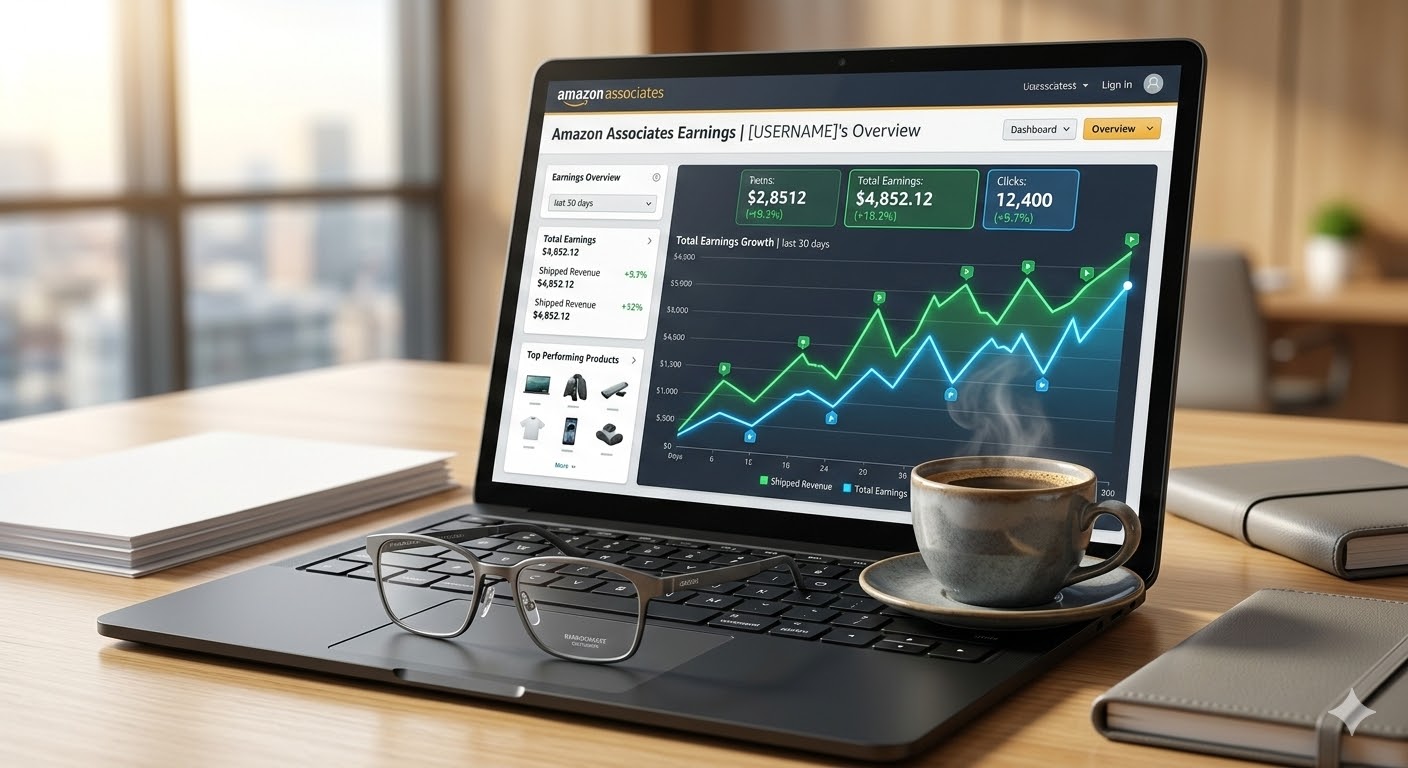
In the creator economy of 2026, guessing which products your audience likes is a hobby; knowing exactly what they buy is a business. At SixtySix Media Inc., we often see talented creators plateau because they focus entirely on “Content Production” while ignoring “Data Distribution.” The Amazon Associates Analytics dashboard is not just a summary of your paycheck; it is a tactical map that tells you which hooks are working, which price points resonate, and where your “leakage” is occurring. If you want to scale to five-figure months, you must learn to read your reports like a veteran strategist.
The “Why” is rooted in optimization. In 2026, the Amazon algorithm has become hyper-efficient at tracking the Customer Journey. As an affiliate or influencer, you are part of a multi-touch attribution model. By understanding your click-through rates (CTR) and conversion metrics, you can stop wasting time on “Dead Content” and double down on the high-intent categories that drive your BSR (Best Seller Rank) influence. This guide breaks down the essential 2026 reporting features every SixtySix Media partner needs to master.
1. Mastering the “Ordered Items” vs. “Earnings” Discrepancy
One of the first hurdles for new affiliates is seeing 100 orders but only $10 in earnings. In 2026, understanding the timing of the Amazon Attribution cycle is critical. Amazon tracks “Ordered Items” in near real-time (usually within 1-3 hours), but you don’t actually earn the commission until the item has shipped.
- Pending Sales: These are items ordered but not yet processed. High pending sales during Q4 or major sales events are normal; don’t panic if your earnings graph doesn’t spike immediately.
- Returned Items: If a customer returns a product, the commission is clawed back. A high “Return-to-Order” ratio is a signal that your content might be over-promising or that the product itself has quality issues.
- Direct vs. Indirect Sales: In your 2026 reports, you can see if a user bought the *exact* item you linked to or something else entirely. If you see high “Indirect Sales,” it means your audience trusts your “taste” but might be looking for different variations or price points.
2. Analyzing Click-Through Rate (CTR) and Conversion (CVR)
At SixtySix Media Inc., we prioritize Efficiency Metrics over raw traffic. A video with 1 million views and a 0.1% CVR is often less profitable than a video with 10,000 views and a 5% CVR. Your analytics dashboard provides the raw numbers to calculate these for every Tracking ID.
- The Click-Through Rate (CTR): (Total Clicks / Total Impressions). If this is low, your “Hook” or “Call to Action” is weak. You aren’t giving them a compelling reason to leave the social platform.
- The Conversion Rate (CVR): (Ordered Items / Total Clicks). If your CVR is below 1% for a specific product, the “Relatability Gap” is too wide. The product may be too expensive for your demographic, or your scripting didn’t answer their primary objections.
- 2026 Benchmark: For YouTube Shorts and TikTok Shop traffic, a healthy CVR typically ranges between 2% and 8% depending on the niche.
3. Leveraging “Tracking IDs” for Content Auditing
In 2026, professional creators don’t use one single link for everything. You should be using unique Tracking IDs for every platform, and even every specific content series. This allows you to perform a “Content Audit” within your Amazon Associates dashboard.
The SixtySix Media Tracking Setup:
- YT-SHORTS-01: For your top-of-funnel discovery videos.
- AMZ-STORE-GIFTGUIDE: For your curated seasonal storefront pages.
- IG-BIO-LINK: For your evergreen “Link in Bio” traffic.
By filtering your reports by Tracking ID, you can see exactly which platform is your highest “Earner Per Click” (EPC). This data allows you to allocate your production time where the ROI is highest.
4. Understanding the 2026 “Shopping-Signal” Attribution
As of January 1, 2026, Amazon introduced a shopping-signal enhanced attribution model. This is a game-changer for influencers. Previously, attribution was a simple “Last Click” 24-hour window. Now, Amazon’s AI attempts to filter out “accidental” clicks and prioritize “discovery moments.”
- All Views vs. Standard: Your dashboard now likely shows “Purchases (All Views)” side-by-side with standard purchases. “All Views” gives you credit for the 14-day window where a customer saw your video but didn’t click immediately.
- The “Discovery” Credit: If a shopper watches your Shoppable Video and then searches for the brand later that day, you are more likely to receive “Discovery Credit” under the new 2026 rules.
5. Spotting Trends with the “Daily Trends” Report
The “Daily Trends” report in the Commissions tab is your early warning system. By watching the peaks and valleys, you can correlate sales spikes with specific posts. In 2026, we look for “The Long Tail”—products that continue to sell 30-90 days after a video was posted. This is the hallmark of evergreen SEO-optimized content.
SixtySix Media Insight: If you see a sudden spike in clicks but zero orders, check your links immediately. In the 2026 API era, broken links or “Out of Stock” items can kill your momentum in hours. Use the SiteStripe tool to ensure your links are always healthy.
Final Thoughts
Reading your Amazon analytics like a pro is about moving from “What happened?” to “What do I do next?” Use your data to prune underperforming products, refine your hooks, and double down on the platforms that drive the most profit. In 2026, the most successful creators are those who treat their dashboard as a mentor, not just a receipt.
At SixtySix Media Inc., we provide the strategic oversight to help our partners turn these insights into six-figure growth. Your data has a story to tell—are you listening?
Ready to turn your data into a growth plan? Explore our Brand Partnerships to see how we help creators scale, or Contact Us for a professional channel audit today.